Buying crypto leaves you with another decision: where should you keep it? A hardware wallet suits funds you rarely move. A software wallet makes everyday payments easier. An exchange account gives you access to trading and account recovery, while leaving control with a company. You can use more than one, with a clear job for each.
What are you actually storing?#
Your crypto stays on the blockchain. A wallet holds the private keys that let you authorise transactions. Your public address is safe to share when someone needs to pay you; your private keys and recovery phrase must stay secret. For the background, read our plain-language blockchain guide.
The first question is who controls those keys. With self-custody, you do, and you handle recovery. With an exchange account, the exchange manages the keys and processes your withdrawal requests. Its login password gives you access to an account, rather than direct control of a wallet.
Three ways to store crypto, compared#
| Question | Hardware wallet | Software wallet | Exchange account |
|---|---|---|---|
| Who holds the keys? | You, on a dedicated device | You, on your phone or computer | The exchange |
| Typical use | Long-term holdings, occasional transfers | Payments, swaps and using apps | Buying, selling and active trading |
| Costs to check | Device purchase, network and service fees | Network and service fees | Trading fees, spreads and withdrawal charges |
| Recovery route | Your recovery backup and a compatible device | Your recovery backup and a compatible wallet | The exchange's account recovery process |
| Main exposure | Lost backups, exposed words, harmful approvals | Device compromise, phishing, lost backups | Account theft, withdrawal restrictions, company failure |
Hardware wallets: a separate place for your keys#
A hardware wallet generates and keeps keys on a dedicated device. Companion software prepares a transaction, and the device signs it without handing the private key to your computer. That separation reduces the ways malware on the computer can steal your keys.
Buy through the manufacturer or an authorised seller, follow its authenticity checks and initialise the device yourself. Reject a device supplied with ready-made recovery words. Check the destination and amount on its own screen before approving a transfer.
Software wallets: ready for everyday use#
A self-custodial software wallet runs on a phone or computer. Often called a hot wallet, it keeps spending convenient because you can review and approve a payment on the device you already use.
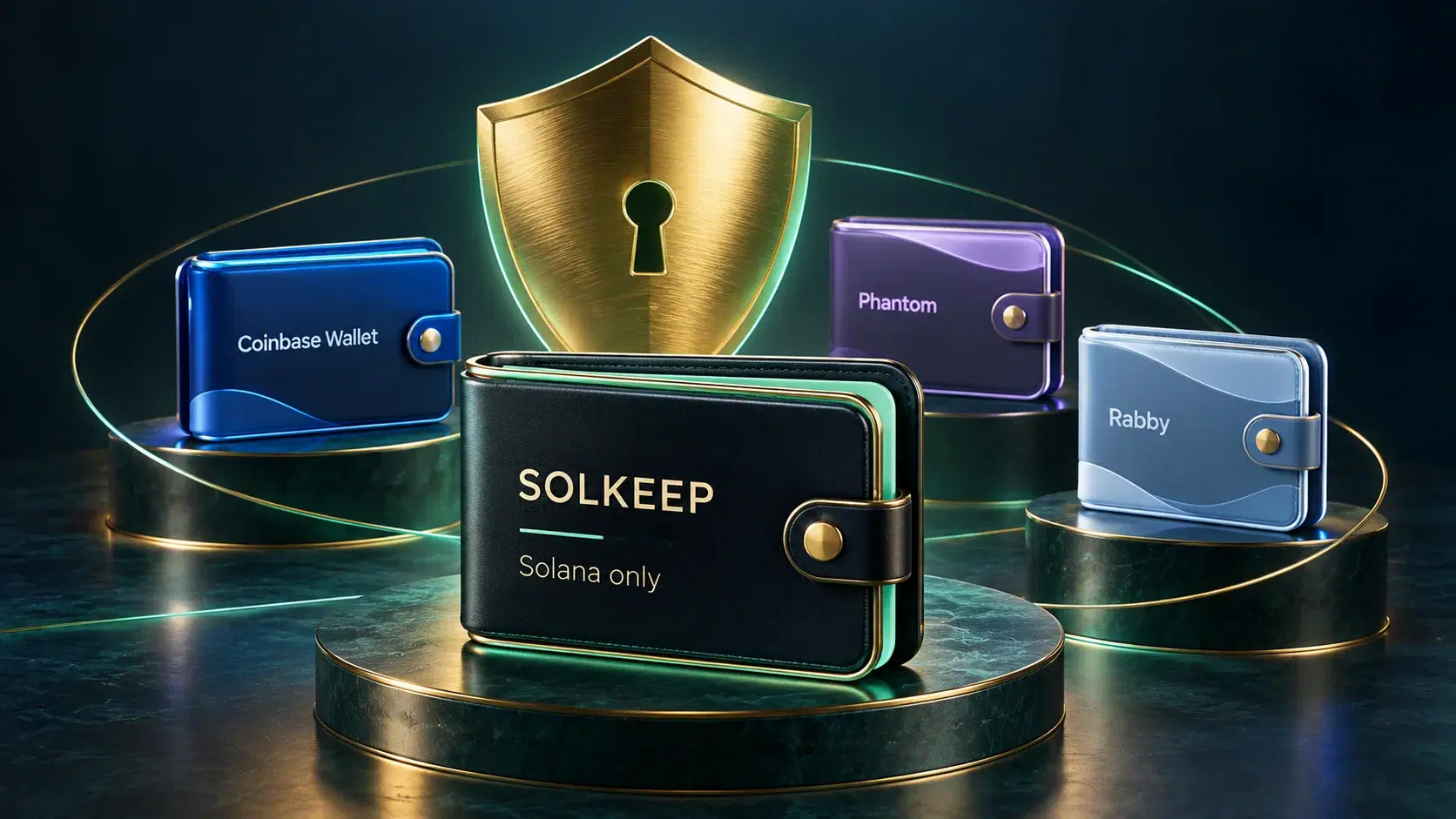
SOLKEEP fits here. It is a browser-based Solana wallet that encrypts your vault with your password and saves it in that browser. Signing happens on your device. You can manage holdings, swap Solana tokens and review requests from connected apps without giving SOLKEEP custody of your keys.
Treat the device as part of your wallet security. Keep its software updated, use a strong, unique wallet password and avoid untrusted browser extensions. Open SOLKEEP from your own bookmark of solkeep.app. Unexpected messages, sponsored search results and lookalike sites are poor starting points for handling money.
Exchange accounts: someone else holds the keys#
An exchange can be useful for converting money or placing trades. It can also help recover an account after a lost password, subject to its checks. That convenience depends on the company remaining able and willing to process withdrawals.
Read its withdrawal rules and custody terms before depositing. An outage, account review, hack or company failure can interrupt access; self-custody removes that particular dependency. The investor bulletin on crypto custody offers questions to ask about a custodian's safeguards and fees.
Protect an exchange account with a unique password and a passkey or security key where available. Secure its recovery email too. Check withdrawal limits before you need urgent access, and decide how much you actually need available for trading.
Build an everyday wallet routine with SOLKEEP#
Give your spending wallet a budget. For example, a freelancer might receive a customer payment in SOLKEEP, keep enough for upcoming expenses and move the remainder to a separate long-term wallet. Choose amounts based on your own needs and the loss you could tolerate.
- Create and back up your wallet. Choose Open wallet on SOLKEEP, create a new wallet, record the recovery words offline and complete the backup check before adding meaningful funds.
- Start with a small transfer. Copy your receiving address and select Solana at the sending service. Match the asset and network at both ends. Confirm the test arrives before sending more.
- Keep SOL available for fees. Holding a stablecoin alone does not cover Solana network fees. Review the total cost before approving: SOLKEEP swaps include a 0.5% service fee, and withdrawals include a service fee of about $1, paid in SOL. Network fees and any token account deposits are separate.
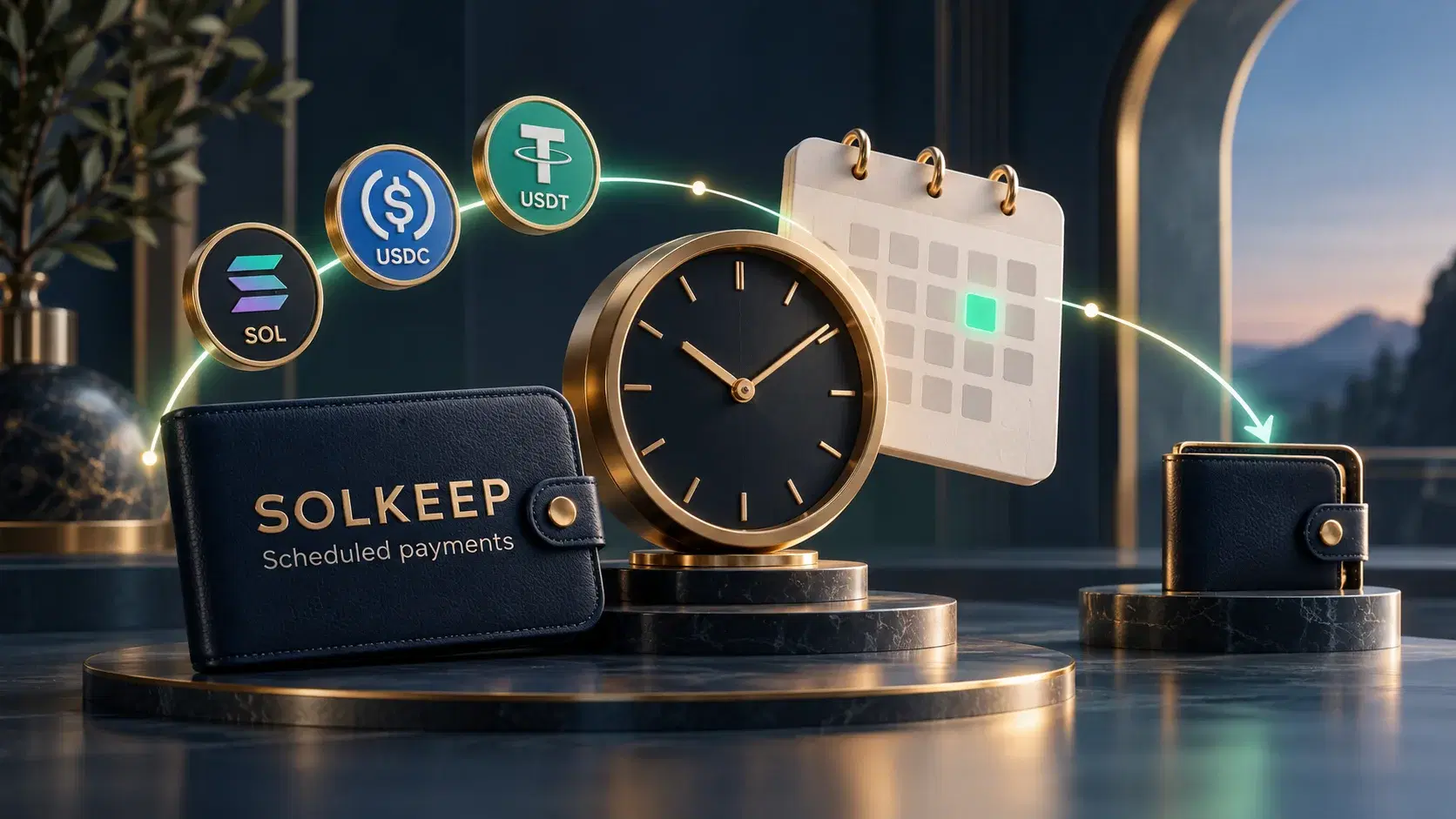
- Use the payment tools when they fit. Choose Get paid to create a payment link for SOL, USDC or USDT on Solana. Customers pay directly to your address. SOLKEEP charges no payment-link fee; network fees still apply to the payment.
- Review, then lock. Check the recipient, asset, amount and fees. Read estimated balance changes for connected-app requests; a preview is useful, but it is no guarantee of safety. Lock your wallet when you finish, especially on a shared device.
Use separate recovery phrases for your everyday and hardware wallets. To move savings between them, send funds to the other wallet's address. Importing the same phrase into both does not create that separation. See the SOLKEEP FAQ for supported transfers, recovery options and current fees.
Protect the backup as carefully as the wallet#
Write recovery words in order and check them carefully. Keep the backup somewhere private, protected from damage and separate from your device. Avoid photos, screenshots, email drafts and cloud notes. Hardware wallet owners can also consult this recovery backup safety guide.
A SOLKEEP password protects the saved vault; it does not replace the recovery phrase. Clearing browser data or losing your device can remove that vault. Make sure your offline backup is usable before changing browsers, resetting a device or removing a wallet.
If someone obtains your recovery words, changing the wallet password will not remove their access. On a trusted device, create a fresh wallet with new words and move any remaining funds. Ignore anyone promising guaranteed recovery in exchange for a fee or your secrets.
Choose a setup you can maintain#
Start with a small amount while you learn to receive, send and back up a wallet. SOLKEEP can be your everyday place for Solana payments and swaps. A separately backed-up hardware wallet can hold funds you use less often, while an exchange balance can serve a specific trading need.
Revisit that split as your habits change. Storage protects access to your assets; it does not protect their market value. The useful setup is one whose costs, recovery steps and approval process you understand.
For another overview of the three storage categories, see this crypto storage comparison.
Frequently asked questions
Is a hardware wallet always safer than a software wallet?
A hardware wallet reduces exposure of your keys to an online device, but it cannot protect you from every mistake. Sharing the recovery phrase or approving a harmful transaction can still put funds at risk. Your backup and signing habits matter with either type.
Is SOLKEEP a hardware wallet or an exchange?
Neither. SOLKEEP is a self-custodial software wallet for Solana. Your vault is encrypted with your password and saved in your browser, and transactions are signed on your device. You are responsible for keeping an offline recovery phrase backup.
Should I restore my hardware wallet phrase in SOLKEEP?
Keep your hardware wallet recovery phrase on the hardware device and in its offline backup. Entering it into a browser exposes those keys to an online device. Create a separate SOLKEEP wallet for everyday use and transfer only the funds you need.
What happens if I clear my browser data?
Clearing browser data can remove your saved SOLKEEP vault. It does not remove your funds from Solana. Your recovery phrase lets you restore access in a new browser; without a usable backup or another working copy of your keys, access can be permanently lost.
Does keeping crypto in a wallet protect its value?
No. Storage choices affect who controls the keys and how you access your assets. They do not prevent price falls, a token losing value or losses from transactions you approve.