A secure wallet should help you keep control of your money and understand what you are approving. A password matters, but so do the backup, the device you use and the information shown before a signature. The right choice also has to support the network where your assets live.
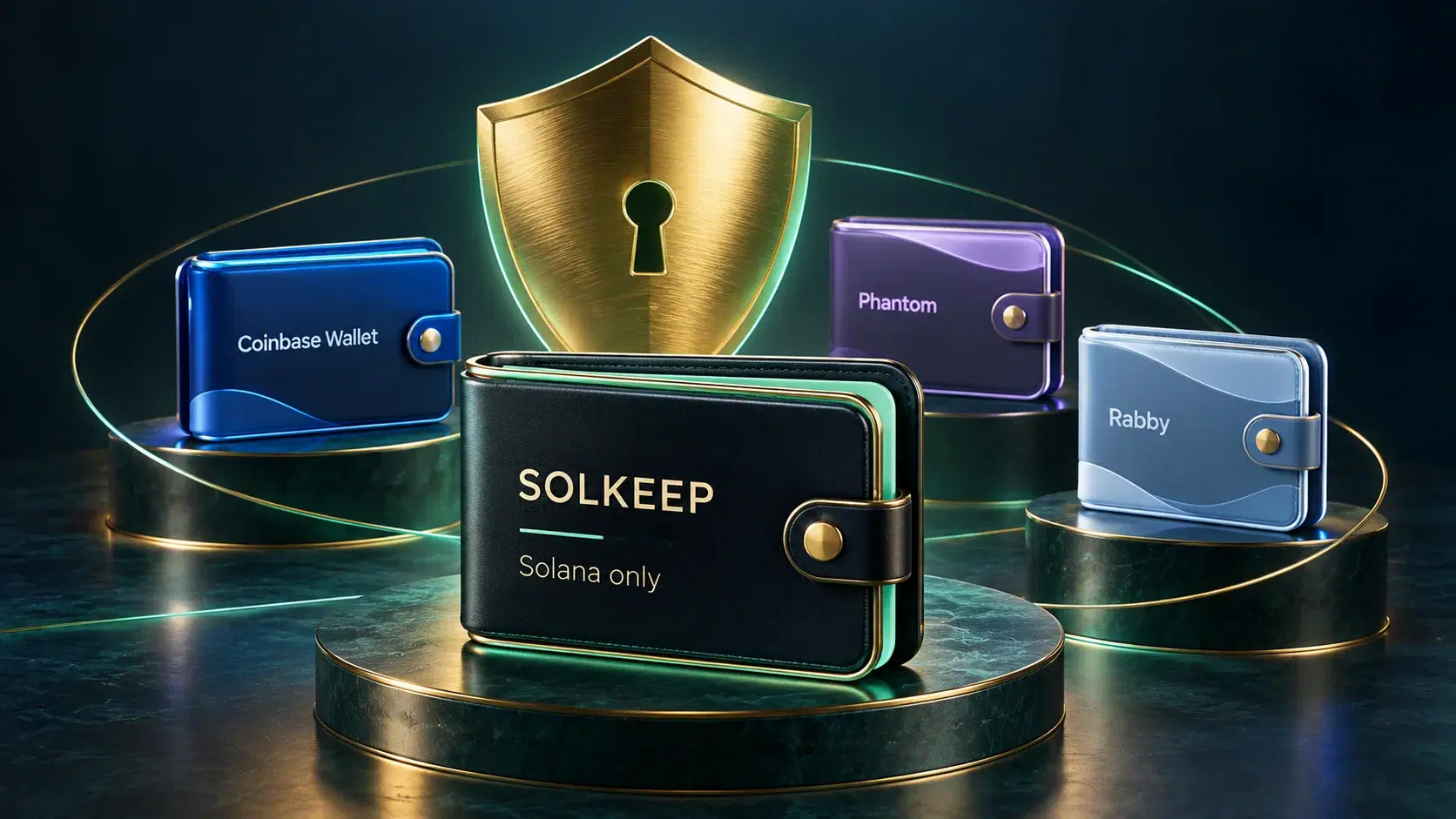
We start with SOLKEEP for everyday Solana use, then compare Coinbase Wallet, Phantom and Rabby. This is a guide to their documented features and practical differences, not a security audit or a claim that any wallet can prevent every loss.
What makes a wallet secure?#
Start with four questions. Who can authorise spending? What happens if you lose your device? Can you understand the payment before signing? Does the wallet support the asset on the network you intend to use? A wallet that answers those questions clearly is easier to use carefully.
- Control: self-custody gives you the keys and makes you responsible for protecting them. An exchange login is a different arrangement, with a company holding the keys.
- Recovery: learn the exact backup process before depositing funds. A password that unlocks one device is not necessarily a way to restore the wallet on another.
- Review: look for readable amounts, recipients, permission requests and estimated balance changes before approval.
- Evidence: check published security documentation and any independent audit reports. An audit covers a particular scope and version; it does not certify every future release.
Four wallets at a glance#
| Wallet | Network scope | Protections to consider | Important limit |
|---|---|---|---|
| SOLKEEP | Solana only | Encrypted local vault, on-device signing, swap checks and connected-app previews | Software wallet; device security and recovery backups remain your responsibility |
| Coinbase Wallet | Multiple networks, including Solana and Ethereum | Transaction previews, token approval alerts and malicious-app warnings | Signing protections vary by network and version |
| Phantom | Multiple networks, including Solana, Ethereum and Bitcoin | Transaction previews, suspicious-activity warnings and spam controls | Network support does not imply identical features everywhere |
| Rabby | Ethereum and compatible networks | Public extension source and published independent audit reports | Not a wallet for native Solana transfers |
1. SOLKEEP: an everyday wallet for Solana#
SOLKEEP puts your Solana wallet in a browser-based 3D world. Its vault is encrypted with your password and saved in your browser. Transactions are signed on your device; SOLKEEP does not hold your recovery words or signing keys for you.
Before you sign a swap, SOLKEEP checks the transaction and previews its expected effects. Connected-app requests show what you are being asked to sign, including estimated balance changes for transactions. You approve connections and can disconnect apps from the wallet.
Sessions lock on reload, page exit or five minutes of inactivity. That helps limit access to an unattended session, but it does not replace a secure device or protect words you have already shared. Clearing browser data can remove the saved vault, so keep a usable offline recovery backup.
For a practical start, create a SOLKEEP wallet, complete its backup check and send a small test deposit. Keep some SOL for network fees and review all costs before approval. The wallet FAQ explains supported transfers, recovery and service fees.
2. Coinbase Wallet: multiple networks and signing alerts#
Coinbase Wallet is a self-custodial wallet, separate from an exchange account. It suits people who need more than one network. Its published security features include estimated balance changes, alerts about requested token access and warnings for known dangerous apps.
Check coverage rather than assuming every protection works on every network. Its security overview specifically limits the described transaction previews and approval alerts to Ethereum and Polygon. Confirm the behaviour of your chosen version and network before relying on those checks.
Its permission management guide also distinguishes disconnecting an app from revoking its token allowances. That distinction matters: an old spending permission can remain active after you stop visiting a site.
3. Phantom: Solana and other supported networks#
Phantom is another option for Solana users who also want access to other networks. Its supported-network list includes Solana, Ethereum and Bitcoin, among others. Check the current list before moving an asset; support for one network is not support for every similarly named token elsewhere.
Its wallet security guide describes transaction previews, suspicious-activity flags, spam controls and warnings for known malicious sites. These can help you spot an unexpected request, but a warning system cannot identify every scam. Your recovery method remains separate from the password or device authentication used to open the wallet.
4. Rabby: Ethereum and compatible networks#
Rabby focuses on Ethereum and networks that use compatible accounts and apps. It is worth considering for that ecosystem rather than as a replacement for a Solana wallet. Do not use it as the destination for native SOL transfers.
Its public extension source lets outside reviewers inspect the code. An independent extension audit completed in December 2024 provides another piece of evidence to examine. Read the report's scope and findings instead of treating an audit label as a blanket guarantee. Start downloads from rabby.io, because lookalike wallet sites can imitate legitimate products.
Build a safer wallet routine#
Choose an amount for everyday use and keep it separate from holdings you rarely move. A separately backed-up hardware wallet can reduce exposure of long-term keys to an online device. Our crypto storage guide explains that trade-off.
- Protect the backup. Record recovery words offline, check the order and protect the copy from theft and damage. Never send words to support or paste them into a reward claim.
- Check the destination. Verify the full recipient address through a trusted source. Confirm the asset and network, then make a small test transfer before a larger payment.
- Read the request. Check expected balance changes and spending permissions. Reject requests you cannot explain, even when the website looks familiar.
- Maintain the device. Install updates, limit browser extensions and lock the wallet when you finish. Review old app connections and any remaining spending permissions.
Give separate spending and savings wallets separate recovery phrases. Importing the same words into several apps creates more ways to access the same keys; it does not create independent protection. Keep a hardware wallet's phrase out of software wallets.
Choose for the network and the job#
Start with SOLKEEP if you want a self-custodial browser wallet for everyday Solana payments and swaps. Consider Coinbase Wallet or Phantom when you need their supported networks, and Rabby for Ethereum-compatible apps. Test recovery and a small payment before committing larger funds.
The useful question is whether you understand the wallet's scope, its approval screens and your recovery responsibilities. A familiar name, a polished interface or a clean preview cannot do that work for you. For another perspective, read this guide to evaluating wallet security.
Frequently asked questions
Which crypto wallet is the most secure?
There is no universal winner. Security depends on where keys are kept, how recovery works, the transaction details you can review and your own device and backup habits. This guide starts with SOLKEEP for Solana users; its order is not an independent security ranking.
Which networks does SOLKEEP support?
SOLKEEP supports only Solana mainnet. Do not send native BTC, ETH or tokens on other networks to a SOLKEEP receiving address. Even when an asset such as USDC or USDT exists on several networks, the sending service must use the supported Solana version.
Is SOLKEEP a hardware wallet?
No. SOLKEEP is a browser-based software wallet. Its vault is encrypted with your password and saved in your browser, and transactions are signed on your device. Keep a separate offline backup of your recovery phrase.
Does a successful transaction preview mean an app is safe?
No. A preview estimates the effects of a particular request. It does not prove the website is genuine, guarantee future outcomes or protect against every harmful permission. Check the site, recipient, amount and permissions before signing.
Does disconnecting an app remove every permission?
No. Disconnecting ends the wallet connection, but previously granted spending permissions can remain on the blockchain. Review and revoke permissions using a trusted tool for the relevant network when needed. Revocation may require a network fee.